NotiZen Widget and the Road to Custom Notion Filters
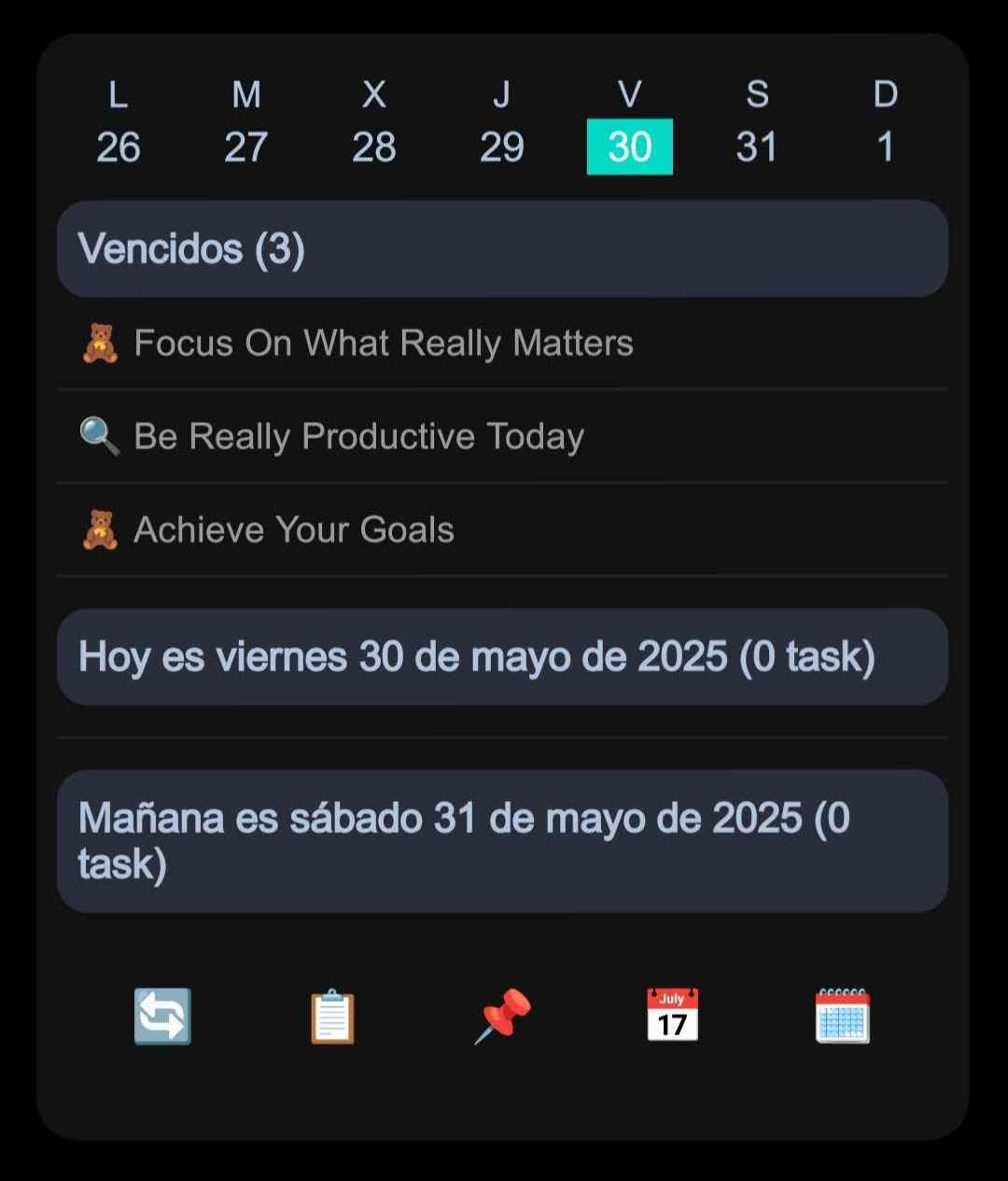
NotiZen Widget started around my own workflow, and now I am expanding it toward reusable, customizable Notion views for the Android home screen.
Posted by
 Gustav Caves
Related reading
Get Notion reminders on your Android home screen
Learn how NotiZen Widget turns Notion date properties like Reminder or Due Date into local Android notifications from your Custom Views.
Plan your Notion agenda with AI using NotiZen JSON export
Learn how NotiZen Widget lets Android users export selected Notion Custom Views and cached calendar events as JSON for ChatGPT, MCP workflows, and weekly planning.
Fixing Notion Native Icons in an Android Widget
A behind-the-scenes look at how NotiZen Widget learned to render Notion native icons, remote icons, SVGs, and color mappings correctly on the Android home screen.
Why I started building NotiZen Widget
The idea behind NotiZen Widget is to create a productivity system that people can shape around their daily workflow. Android was my first choice because it is the platform I use every day, and the home screen is the fastest place to keep important Notion information visible.
Learning by building with AI
The widget began as a small test to connect services and see how far I could go by guiding an AI with clear prompts. Many ideas only worked after several rounds of trial and error, but each iteration made the product more helpful for my own routine.
From personal tool to flexible platform
Every improvement so far came from my personal use. When I found a bug, a missing detail, or a new feature to try, I wrote it down and asked Codex to build it. After almost four months of this habit, the widget became useful for my own routine first. That original workflow still matters, but it should not define the whole product forever.
What comes next
The first versions were shaped around my own database structure and the views that helped me most every day. That gave the product a strong starting point, but the next step is to expand it into a system of reusable and customizable views that works for more people and more workflows.
- Choose a Notion database that matches the workflow you want on your home screen.
- Reuse flexible widget views instead of depending on one original personal template.
- Make it easier to shape the widget around work, personal tasks, or side projects.
Let's build it
I am now refining the setup flow so NotiZen can move from one personal starting point toward views that feel reusable and adaptable. In practice, that means learning which configurations are clear, useful, and realistic to support well on the Android home screen.